Looking for a great monitor without spending a lot? Good news — the $100–$150 range now includes high-quality IPS panels, solid color accuracy, and surprisingly good refresh rates. Whether you’re upgrading your home office, studying, or doing casual gaming, the monitors below deliver real value without stretching your budget.
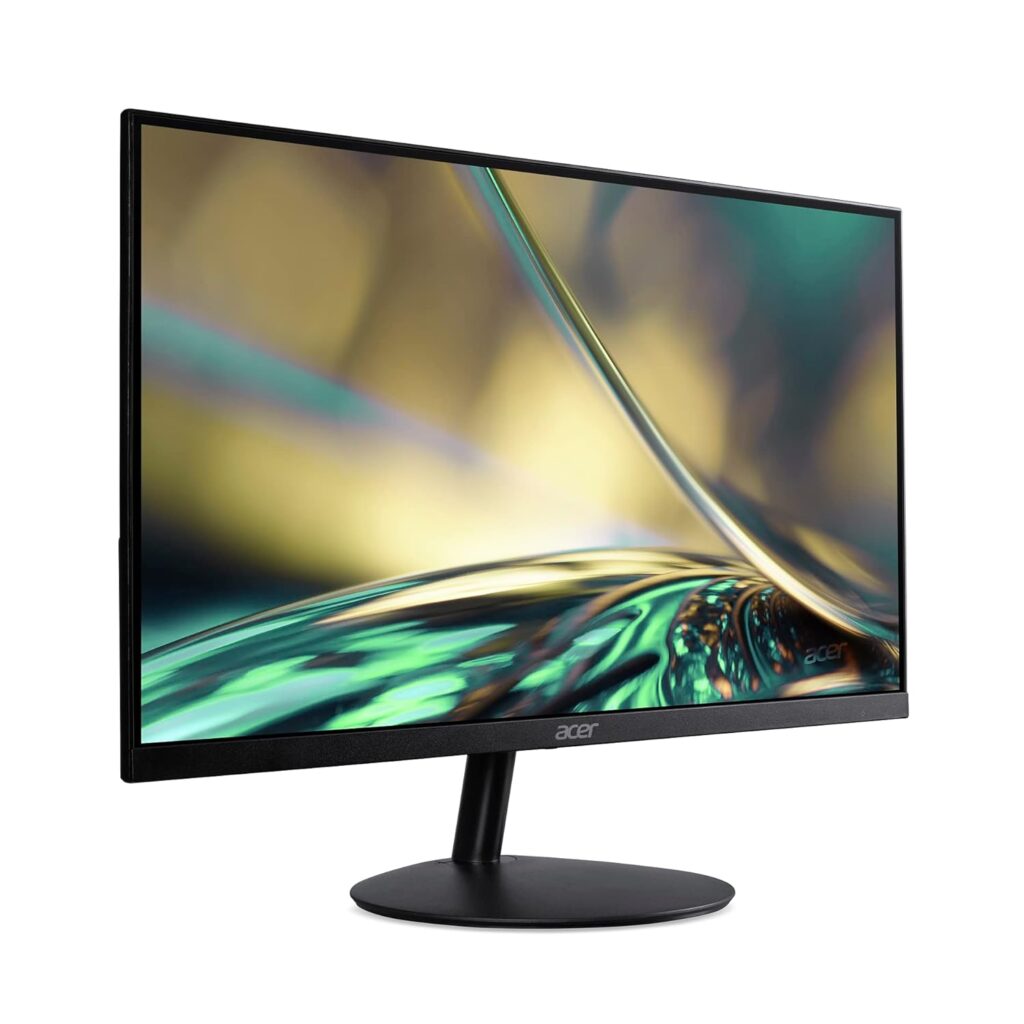
Top Pick: Acer SB272 EBI — excellent color quality + slim bezels + unbeatable price-value ratio.
This article contains affiliate links. As an Amazon Associate, I may earn from qualifying purchases.
TL;DR — Best Monitors Under $150 (Quick Picks)
| Best For | Key Feature | Price | Link |
|---|---|---|---|
| Best Overall | 27"IPS + 100Hz | ~$129 | View on Amazon |
| Best 24" Option | IPS + FreeSync | ~$119 | View on Amazon |
| Best for Home Office | 27" IPS + ultra thin | ~$129 | View on Amazon |
| Best Budget Curved | 24" VA + curved panel | ~$129 | View on Amazon |
| Best for Casual Gaming | 75Hz + ultra affordable | ~$99–$119 | View on Amazon |
What to Look for in a Monitor Under $150
A $150 budget can still get you a surprisingly good monitor. Here’s what actually matters at this price:
1. Screen Size
-
Common sizes: 24″ or 27″
-
24″ = best clarity for 1080p
-
27″ = larger workspace, slightly lower pixel density but still good
2. Panel Type (choose IPS if possible)
-
IPS = best colors + viewing angles
-
VA = deeper contrast, good for movies
-
TN = avoid unless speed is your priority
3. Resolution
-
1080p (Full HD) is standard and ideal for budget monitors
-
Don’t expect 1440p at this price (rare)
4. Refresh Rate
-
75Hz is common
-
100Hz–120Hz options exist now and feel much smoother
5. Ports
-
Minimum: HDMI
-
Nice to have: DisplayPort
-
Rare under $150: USB-C
6. Ergonomics
-
VESA mount support is helpful for future upgrades
-
Most stands are fixed, but some include tilt adjustment
Best Monitors Under $150 (Top Picks Reviewed)
1. Acer SB272 EBI — Best Overall Value
27″ IPS | 1080p | 100Hz | FreeSync | Ultra-thin design
Acer consistently nails the budget category, and the SB272 EBI offers some of the best color performance and smoothness you’ll find under $150. With a surprisingly slim profile and vibrant IPS panel, it works perfectly for office work, studying, and light entertainment.
Pros
-
Beautiful IPS colors
-
100Hz refresh rate feels smooth
-
Very thin bezels
-
Excellent price for a 27″ IPS panel
Cons
-
No DisplayPort
-
Stand only tilts
Best For: Most people. Home office, students, general productivity.
Link: View on Amazon
2. ASUS VA24DQ — Best 24” Monitor Under $150
24″ IPS | 1080p | FreeSync | HDMI + DisplayPort | Eye-care filters
The ASUS VA24DQ is a perfect “safe pick” for anyone who wants reliability and strong image quality in a compact size. It includes DisplayPort, which is rare at this price — great for PCs.
Pros
-
IPS panel with great clarity
-
Includes DisplayPort
-
Excellent color accuracy
-
Blue light and flicker-free features
Cons
-
No height adjustment
-
24″ only (not ideal if you want a larger workspace)
Best For: Small desks, home office users, students.
Link: View on Amazon
3. AOC 27B2H — Best for Home Office
27″ IPS | Ultra-thin | HDMI + VGA | Elegant design
This monitor looks more premium than its price. The ultra-slim bezels, lightweight design, and consistent IPS viewing angles make it ideal for long work sessions.
Pros
-
Very thin and modern
-
Great for dual-monitor setups
-
IPS with wide viewing angles
-
Easy to mount with VESA
Cons
-
75Hz only
-
No DisplayPort
Best For: Clean home office setups, dual-monitor productivity.
Link: View on Amazon
4. Samsung CF24F390 — Best Budget Curved Monitor
24″ VA | 1800R Curve | 1080p | AMD FreeSync
Curved monitors are usually expensive, but Samsung’s 24″ CF390 brings curved immersion into the budget world. Great for media consumption and light gaming.
Pros
-
Curved screen feels more immersive
-
Good contrast from VA panel
-
Stylish design
-
Well-known Samsung reliability
Cons
-
Not ideal for color-accurate work
-
Only 60Hz
Best For: Media consumption and users who want a curved screen on a budget.
Link: View on Amazon
5. Sceptre E248W-19203R — Best for Casual Gaming
24″ IPS | 75Hz | Very low price | Thin bezels
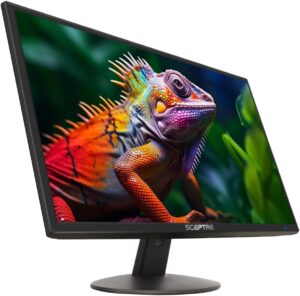
Sceptre has become a king in the ultra-budget category. For under $120, this monitor delivers good IPS colors and a solid 75Hz refresh rate that feels noticeably smoother than 60Hz.
Pros
-
Super affordable
-
IPS panel
-
75Hz refresh
-
Slim, lightweight design
Cons
-
Build quality is basic
-
Speakers are weak
Best For: Casual gaming, students, small desks.
Link: View on Amazon
Comparison Table — Best Monitors Under $150
| Size | Panel | Resolution | Refresh Rate | Ports | VESA | Price | Link |
|---|---|---|---|---|---|---|---|
| Best Overall | IPS | 1080p | 100Hz | HDMI | No | ~$129 | Buy |
| Best 24" Option | IPS | 1080p | 75Hz | HDMI, DisplayPort | Yes | ~$119 | Buy |
| Best for Home Office | IPS | 1080p | 75Hz | HDMI, VGA | Yes | ~$129 | Buy |
| Best Budget Curved | VA | 1080p | 60Hz | HDMI | Yes | ~$129 | Buy |
| Best for Casual Gaming | IPS | 1080p | 75Hz | HDMI,VGA | Yes | ~$99–$119 | Buy |
How We Chose These Monitors
We analyzed the most popular sub-$150 monitors on Amazon, Best Buy, and major tech retailers using:
-
Value-to-price ratio
-
Panel quality (IPS preferred)
-
Reliability & user review trends
-
Build quality
-
Port selection
-
Refresh rate and real-world smoothness
-
Brand consistency & after-purchase support
Our picks represent the best blend of performance, reliability, and budget friendliness.
FAQ — Budget Monitor Buying Questions
Is 1080p still good for a monitor in 2025?
Yes — especially at 24–27″. It’s clear, sharp enough for most tasks, and perfect for budget systems.
IPS vs VA vs TN — which is best?
-
IPS = best overall for color + viewing angles
-
VA = better contrast (movies)
-
TN = fast but visually outdated (avoid unless competitive gaming only)
Is 75Hz noticeably better than 60Hz?
Yes — even casual users notice smoother scrolling and animation.
Can I get USB-C in this price range?
Very rare under $150. You’ll typically need to spend $180–$250+.
Is a curved monitor worth it at 24″?
It’s a preference. The curve is noticeable but not dramatic. Good for movies, less needed for office work.
Final Verdict — Which Monitor Should You Buy?
If you want the best balance of performance, size, and price, get the:
➡️ Acer SB272 EBI — best overall pick for most people.
If you want something smaller:
➡️ ASUS VA24DQ — great 24″ pick with DisplayPort.
If you want curved:
➡️ Samsung CF24F390
Next steps:
-
Read our guide: How to Choose Your First Monitor
-
Browse all gear: Budget Tech Gear Category
-
Join our newsletter for weekly deals